We build brand-aligned motion systems, kinetic typography layouts, and interactive simulations that transform casual site visitors into engaged brand advocates.
Every motion project begins with sequence sketches. Select any board card below to see the layout morph from a raw sketch into a polished final vector animation.
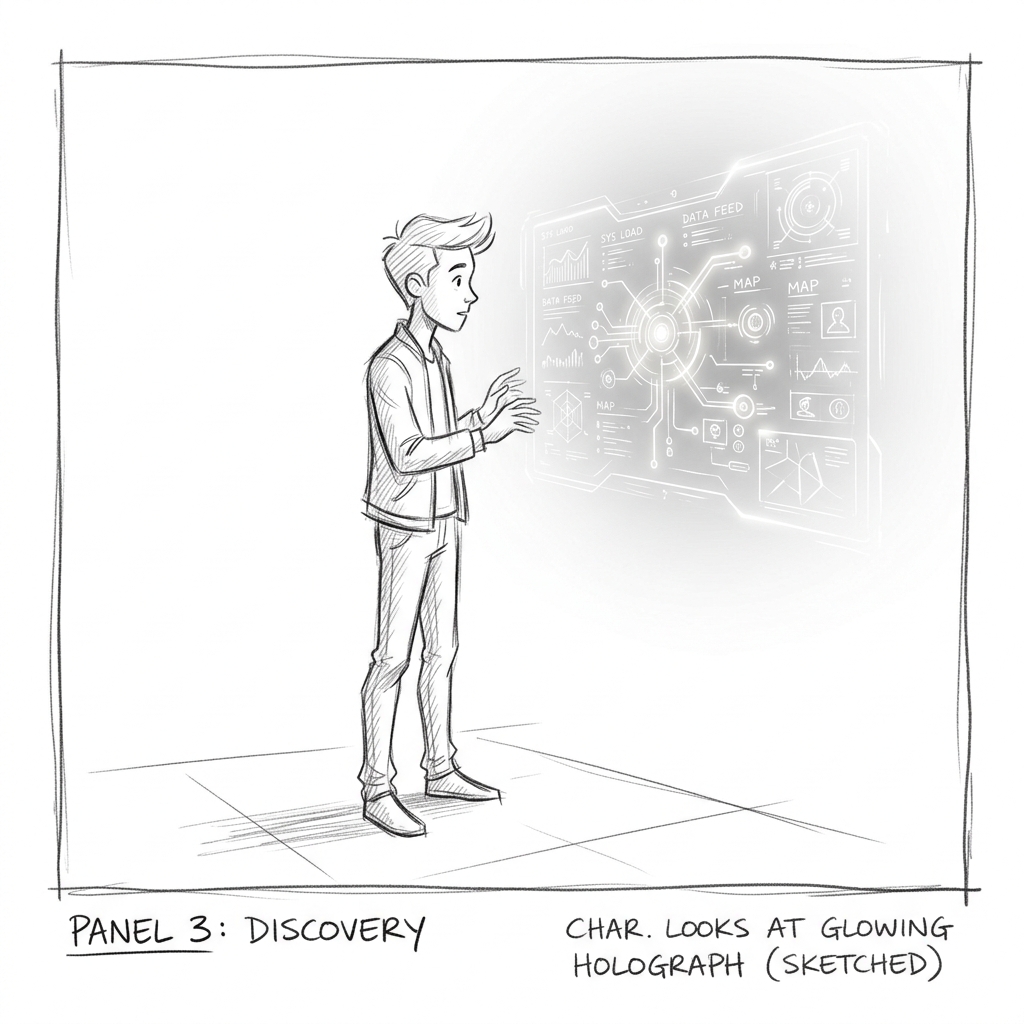
Character looks at a holographic display sphere, initializing sequence inputs.
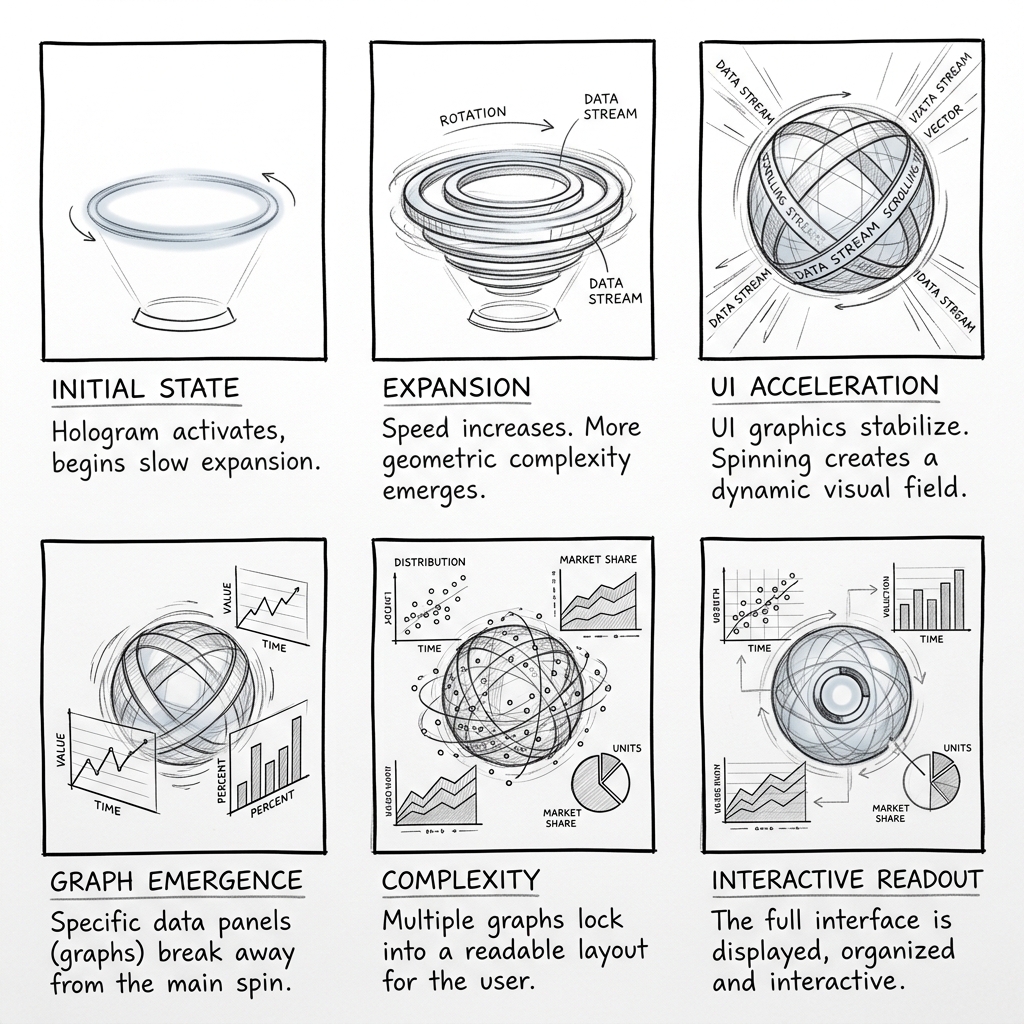
The holographic display spins, blowing up data charts into orbital layers.
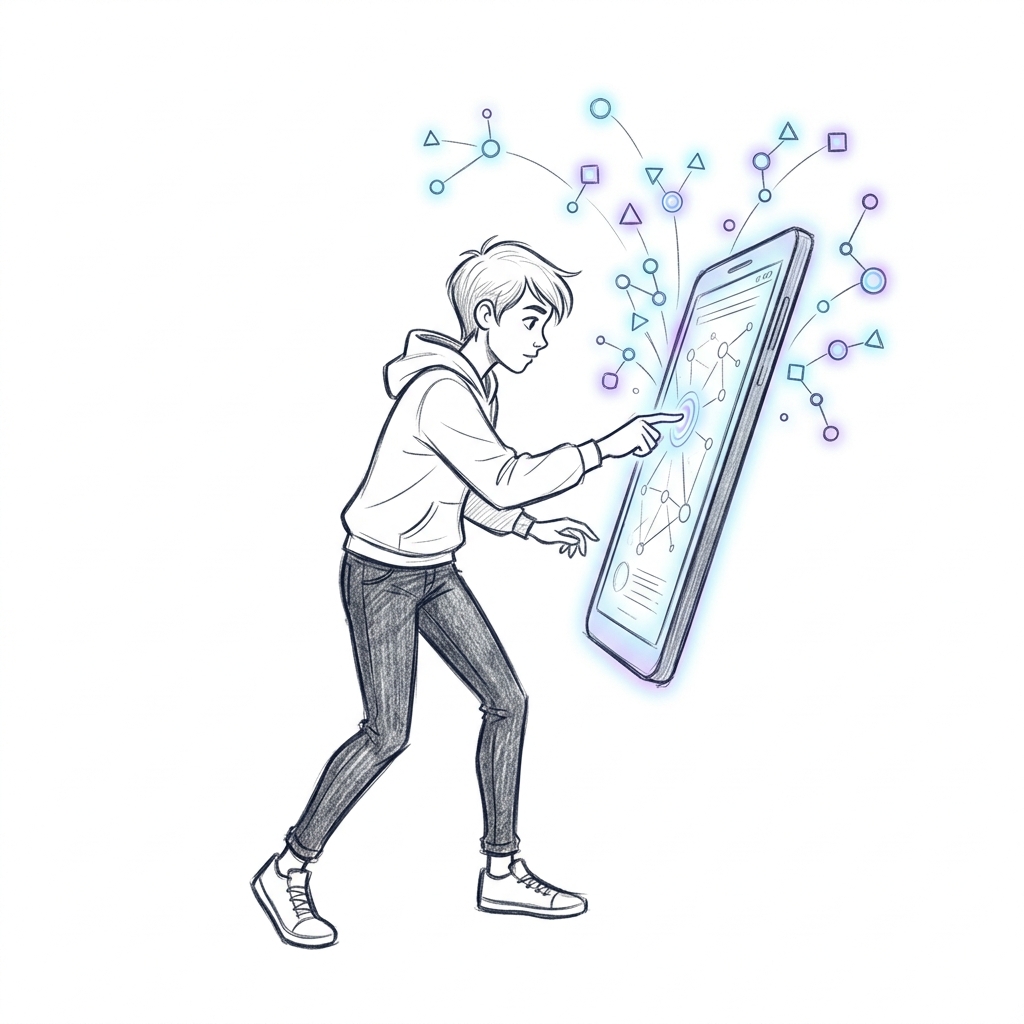
Interactive node touch triggers particle wave emitters shooting across 3D planes.
Watching the raw vector sketch transition to dynamic ease curves.
Deceleration and easing curves dictate the aesthetic feel of motion. Adjust our timeline curve values below to dynamically alter the deceleration rate of the canvas node.
Hover or tap on the canvas below to attract and deflect glowing physics vector nodes. Change mass and node counts to test real-time fluid simulation.
Motion graphics are driven by sound waves. Play one of our simulated audio tracks below to sync the typography scales to the rhythm values.
Why does frame rate matter? Use our slider below to compare identical vector paths moving at 12fps (animation limits), 24fps (cinematic default), and 60fps (smooth UI design).
Motion graphics designers use formulas instead of linear steps. Click a preset function to draw its deceleration curve and observe the displacement values.
Art direction is governed by custom color theory. Switch between palette nodes below to dynamically blend styles across our model graphic composition.
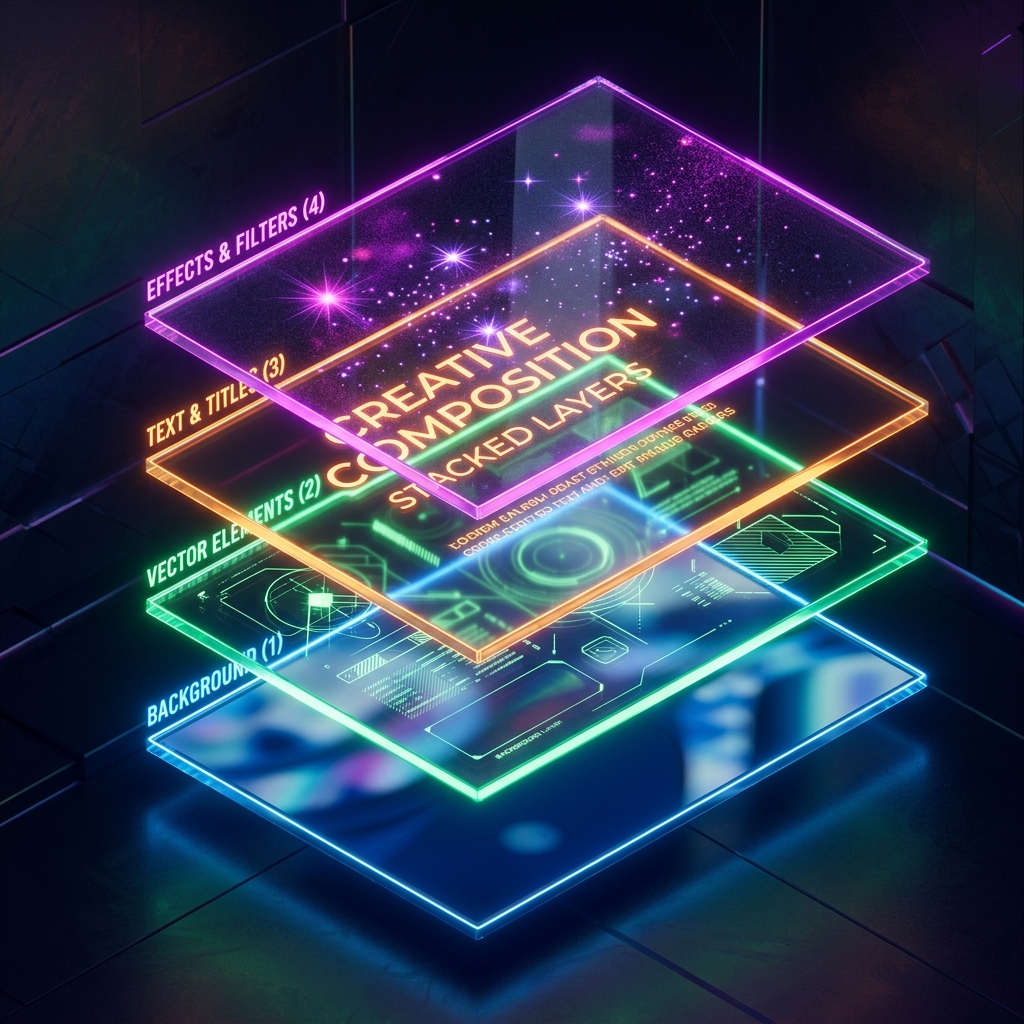
Motion comps are built by stacking layers. Drag the slider to expand the isometric space vector and see the composition components separated along the Z-axis.
Post-production grain, light leaks, and particle effects overlays.
Main copy vector letters staggering based on beat intervals.
Base graphic components, container frames, and logo symbols.
Gradient backgrounds and ambient lighting parameters.
Expanding the Z-axis reveals how we layer graphics to construct three-dimensional depth within flat screens.
Explore file structures and check file resolutions using our aspect ratio mapping tool.
We structure animation projects into six milestones to guarantee visual excellence and fluid speed curves.
Mapping out core concepts, text script copies, voiceover tones, and visual metaphors.
Drafting flat scene vectors, compositions, transition layouts, and typography grids.
Mixing ambient sound beds, voice scripts, and custom user interface tap sound effects.
Generating kinetic typography loops, easing vector shapes, and applying motion blur masks.
Blending composition layers, color grading neon gradients, and applying texture matrices.
Rendering lightweight Lottie JSON, vector SVG animations, and standard MP4 files.
Hear how our brand kinetic videos boosted interaction rates on digital assets.
Read about our animation formats, timeline intervals, and vector export specifications.
Lottie is an open-source animation file format that exports After Effects sequences as JSON code. These files render on websites and mobile apps in real-time as responsive vectors, reducing file sizes compared to GIFs.
A premium 60-second animated sequence takes 3 to 4 weeks. This lifecycle covers concepts, storyboards, voiceover coordination, illustration mapping, and keyframe interpolation adjustments.
Yes. We ingest raw Adobe Illustrator (.AI), Figma (.FIG), or Vector SVG assets and restructure their layer parameters to make them ready for keyframe animatics.
Yes. Upon request, we package and deliver the full After Effects master comps (.AEP) along with source vectors, audio assets, and font mappings.